
Skip to content
  • Home
  • CategoriesExpand
    • Beauty
    • Blog Tips
    • Content Creation
    • Family
    • Food & Drink
    • Health
    • Home
    • Life
    • Style
    • Travel
  • About
  • Contact
  • Interior Design Services
Instagram Pinterest TikTok Email
Gemma Louise
  • Life
  • Home
  • Travel
Gemma Louise

How to Edit Photos for Social Media: 7 Tips.

April 15, 2025June 24, 2026 Tech

Sharing special moments on social media is important for professional and personal blogs alike. You might be capturing a beautiful sunset, a fun day with friends, or a cute selfie. But sometimes, our pictures don’t turn out exactly how we hoped. There’s no need to worry, though. Editing your photos can make a world of difference, and it’s easier than you think.

Below, you’ll find 7 tips that will help you edit scroll-stopping photos for your social media. Let’s take a look at them right now. 

1. Retouch Portraits & Selfies

Natural beauty is the trend now. However, cleaning up the pictures won’t do any harm. For example, you can use this free portrait photo editor to remove skin imperfections, make your teeth whiter, or give the eyes a clearer look. Sometimes facial features look different in photos, especially in selfies. But you can easily fix them: plump the lips, change the face width, make the nose look smaller, etc. It also lets you apply digital makeup, tweak the skin tone, and enhance the overall quality of your shots.

2. Fix the Composition

You’ve probably taken a photo that looked great but just felt a bit “off.” Maybe your friend’s head got cut off, or there’s too much empty space around you. This is where composition comes in. Composition is all about how things are arranged in your photo.

One useful tip is to think about the “rule of thirds.” Picture your photo divided into nine equal squares, like a tic-tac-toe board. The idea is to place your subject along these lines or at their intersections. This can make your photo feel more balanced and interesting.

If there’s too much empty space, don’t hesitate to crop it out! Cropping is simply cutting away parts of the image that you don’t want. This helps focus on what really matters in the photo. Play around with different cropping options until you find the one that feels just right.

3. Adjust Exposure 

Exposure refers to how light or dark your photo looks. Sometimes, we take a picture that turns out too bright or too dark. Adjusting exposure is a way to fix it!

Most editing apps have a slider for exposure. If your photo is too bright, slide it down a bit to darken the image. If it’s too dark, slide it up to let in more light. Many apps also offer a photo blur feature to soften backgrounds or highlight key subjects, along with photo filters to enhance colours and mood. It’s all about finding that perfect balance!

When adjusting exposure, keep an eye on the highlights and shadows. You want to see the details in both parts of the photo. If you make it too bright, you might lose some of those important details.

4. Correct Colors

You can adjust colors in two main ways: saturation and vibrance. Saturation makes all the colors in your photo more intense, which can sometimes go overboard. Vibrance, on the other hand, boosts the less vibrant colors without making the bright ones too much.

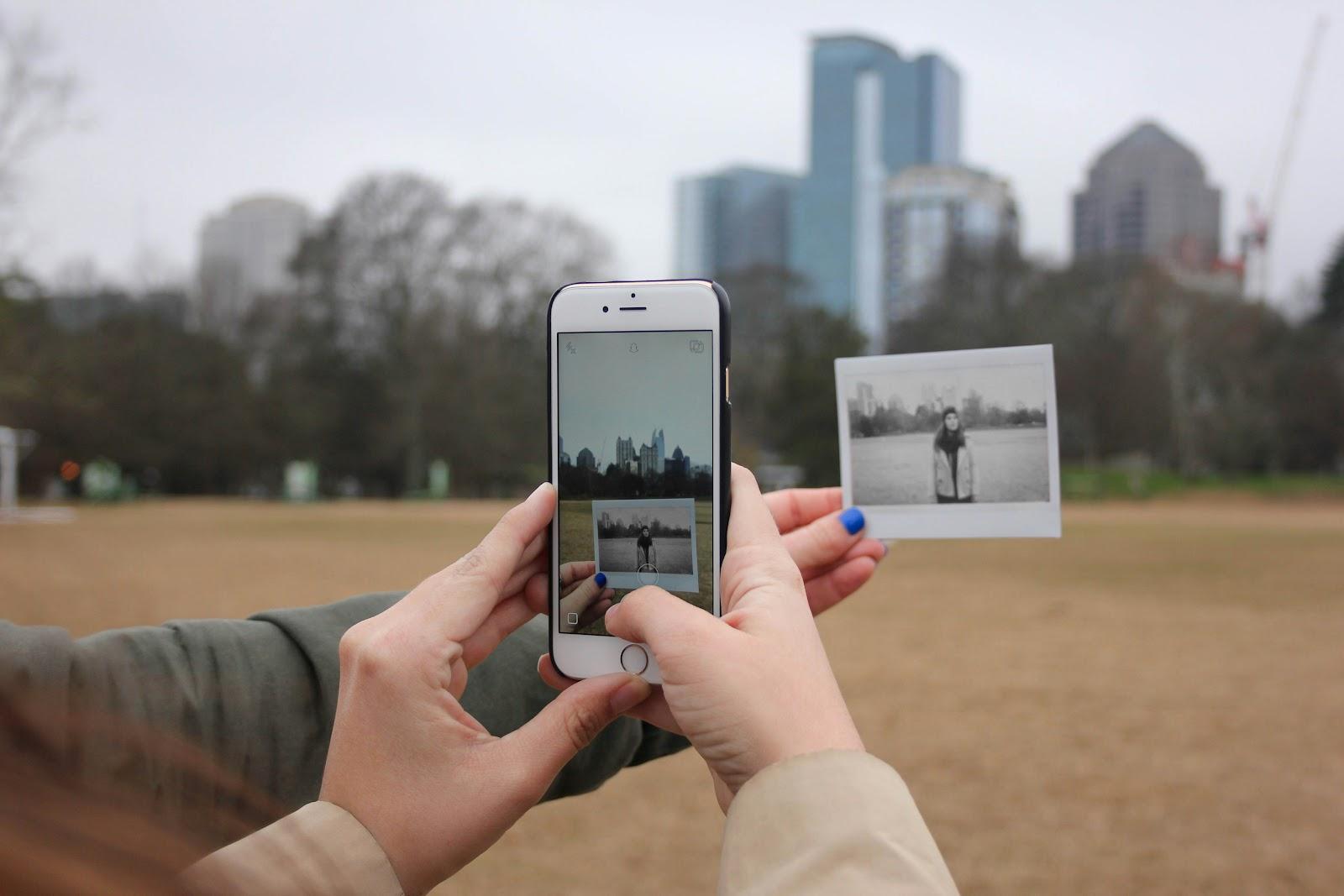
You should also colorize a black and white photo if you’re going to post an old family picture. By adding color to it, you’ll make the photo more eye-catching, but it will still have its vintage charm. 
5. Set the Right Resolution

Resolution is important because it affects how clear your photo looks. A higher resolution means more detail, while a lower resolution can make your image appear blurry. When editing for social media, it’s essential to set the right resolution for the platform you’re using.

Most social media sites have recommendations for resolution. For instance, Instagram often works well with photos that are 1080 pixels wide. If you’re unsure, just check the help section of the platform for their guidelines.

6. Remove Distractions

Sometimes, our photos have little things in the background that we don’t want. These distractions can take attention away from the main subject. Luckily, many editing tools have features to help you remove background and eliminate unwanted elements.

If there’s an object or a person in the background that you’d like to get rid of, you can use a cloning tool or healing brush. This allows you to select the area you want to remove and replace it with pixels from another part of the photo. It’s like a little magic trick!

Another way to reduce distractions is to blur the background. This technique is often used in portraits. By blurring the background, your subject stands out more. It gives your photo a professional touch without a lot of effort. 

7. Save It in PNG or JPEG

After spending time editing your photo, the last step is to save it. The format you choose matters! JPEG is a popular choice for social media photos because it keeps the file size manageable while maintaining good quality. If you’re starting with a different format, you can easily convert PNG to JPG to make your images more web-friendly and compatible with most platforms.

On the flip side, PNG files are great for images with text or graphics because they support transparency. If you’ve added text to your photo, saving it as a PNG will ensure that the text stays sharp and clear.

Make sure to save your edited images in a spot where you can easily find them later. You might even want to create a special folder just for your social media photos. This way, you can quickly access them when you’re ready to share your beautiful creations.

Summary

There were 7 tips to prepare your pictures for social media. Now, select a few stunning photos from your gallery and perfect them to leave everyone in awe.

Post navigation

Previous Previous
How To Add Colourful Artwork To Your Home.
NextContinue
Bedroom Moodboard.

keep up with me

ON INSTAGRAM

@BYGEMmma

bygemmma

Diary of a coffee & home interiors addict 🌸
🇬🇧 Yorkshire gal ☁️🌷✨
💌 work with me: gemma@gemmalouise.co.uk

Sunday coffee dates at home ☕️🥐✨ #athomecafe #caf Sunday coffee dates at home ☕️🥐✨

#athomecafe #cafeathome #coffeeathome #coffeestagram
Have a good one all 🥰✨ #home #weekendvibes #happy Have a good one all 🥰✨

#home #weekendvibes #happyweekend
It’s the weekend 🎉 #homeinspo #fridayvibes #frida It’s the weekend 🎉

#homeinspo #fridayvibes #fridaynightvibes
Spend a morning with me ✨ people ask me everyday o Spend a morning with me ✨ people ask me everyday on here what my favourite homeware shop is and up there at the top is @homesense_ukie I find so many cute bougie bits in there! Got a gorgeous £4 mug in the sale too 😍

#morningvlog #morninglikethis #dayinthelifevlog
Our home at 8pm 🌙✨ #evenings #eveningvibes #eveni Our home at 8pm 🌙✨

#evenings #eveningvibes #eveningaesthetic
Colour is everything 🎨✨ #colourfulhome #maximalis Colour is everything 🎨✨

#colourfulhome #maximalism #maximalistdecor
It’s certainly feeling like autumn now, but I’m mu It’s certainly feeling like autumn now, but I’m much preferring small seasonal additions rather than big changes these days 🍂 just a couple of pumpkin candles here and there, a couple of glass ones because they’re super pretty & one pumpkin cushion thrown in for good measure 🙊 (it’s actually a hand warmer!) 

I don’t think you need to redecorate your home with the seasons but there’s nothing wrong with adding a few cute things that you love 💕

#autumn #autumniscoming #septembervibes
ad. Sometimes it’s nice to just stay at home with ad. Sometimes it’s nice to just stay at home with no plans, and a fridge full of treats. One of my favourite drinks lately is the @aquacarpatica.uk Strawberry & Elderflower Sparkling Water. It’s a naturally flavoured sparkling water made from natural mineral water and it’s not just tasty, but really refreshing too. As it’s an all natural product, it’s so light meaning I can enjoy as many as I like guilt-free! 🍓🍋‍🟩✨

Let me know your favourite flavour for a cosy day at home below 🌸

#sparklingwater #cosydays #cosyvibes
So add it 🎨🖌️✨ #newbuild #newbuildjourney #homede So add it 🎨🖌️✨

#newbuild #newbuildjourney #homedecor
NGL I’m ready for it to cool down so I can get my NGL I’m ready for it to cool down so I can get my log burner roaring. It’s been too long 🥰🪵🔥✨

#september #helloseptember #homedecor
Love a post-bank holiday reset when the kids have Love a post-bank holiday reset when the kids have gone back to school ✨

#reset #homereset #resetwithme
ad. Making WFH cute with my new @logitech POP Icon ad. Making WFH cute with my new @logitech POP Icon combo, the set is cute, colourful and actually makes productivity feel way more fun 💻✨

The bold design combined with comfy & quiet typing, plus customisable action keys make it easy to switch between work, social and everything in-between.

Up to three devices can be connected and it’s easy to switch between them with the click of a button. Get great deals across the Logitech website as a part of the Logitech Office Days sale, ending September 11th!

#Logitech #LogitechPartner
Staying in over going out ✨ #homebody #sundayvibe Staying in over going out ✨

#homebody #sundayvibes #evenings
August at home 🌻✨ #august #myhome #homedecor #hom August at home 🌻✨

#august #myhome #homedecor #homebody
You can’t rush the process 💗 ib: @edin.flat #my You can’t rush the process 💗

ib: @edin.flat 

#myhome #homerenovation #homeinspo
The house is tidy & I actually got some filming do The house is tidy & I actually got some filming done today… that’s how you know the kids have gone back 😂

#morningroutine #backtoschool #morningvibes
Sundays at home ✨ it’s back to school for us tomor Sundays at home ✨ it’s back to school for us tomorrow, it’s gone SO quick - and we’re probably one of the only schools in the UK with an August start date 😂

#sundays #sundaysathome #sundayvibes
Just enjoying the mortgage this weekend 💸 #happyw Just enjoying the mortgage this weekend 💸

#happyweekend #weekendvibes #homestyle
Homemaxxing ⭐️ #myhome #interiordecor #interiors Homemaxxing ⭐️

#myhome #interiordecor #interiors
Homemade cherry syrup slaps 🍒 add a slather to dou Homemade cherry syrup slaps 🍒 add a slather to double cream before you whip it for a delish cherry cream to top your iced coffee with too 🥰

#icedcoffee #cherrycoffee #icedcoffeerecipe
Follow on Instagram

  • Home
  • Categories
  • About
  • Contact
  • Interior Design Services

© 2026 Gemma Louise · Theme by 17th Avenue

This website uses cookies to improve your experience. We'll assume you're okay with this, but you can opt-out if you wish.Accept Read More
Privacy & Cookies Policy

Privacy Overview

This website uses cookies to improve your experience while you navigate through the website. Out of these, the cookies that are categorized as necessary are stored on your browser as they are essential for the working of basic functionalities of the website. We also use third-party cookies that help us analyze and understand how you use this website. These cookies will be stored in your browser only with your consent. You also have the option to opt-out of these cookies. But opting out of some of these cookies may affect your browsing experience.
Necessary
Always Enabled
Necessary cookies are absolutely essential for the website to function properly. This category only includes cookies that ensures basic functionalities and security features of the website. These cookies do not store any personal information.
Non-necessary
Any cookies that may not be particularly necessary for the website to function and is used specifically to collect user personal data via analytics, ads, other embedded contents are termed as non-necessary cookies. It is mandatory to procure user consent prior to running these cookies on your website.
SAVE & ACCEPT
Scroll to top
  • Home
  • Categories
    • Beauty
    • Blog Tips
    • Content Creation
    • Family
    • Food & Drink
    • Health
    • Home
    • Life
    • Style
    • Travel
  • About
  • Contact
  • Interior Design Services
Facebook Twitter Instagram
Shop
What are you looking for?
Search