How I film my aesthetic Instagram and TikTok videos…
Do you want to learn how to film aesthetic Instagram videos? If you follow me on Instagram or TikTok, then you’ll already know that I try and post a video on my channels almost every day. Content creation is my full time job, and I honestly adore putting together pretty aesthetic videos of my home. From the setting up and styling, to filming from all different angles – I love it all! I often get asked how I film my videos, so I thought that I would put together a little post of some of my favourite tips and tricks as well as share what equipment I use. Also note – I only film with my iPhone!
My top filming tips
Always shoot in natural lighting
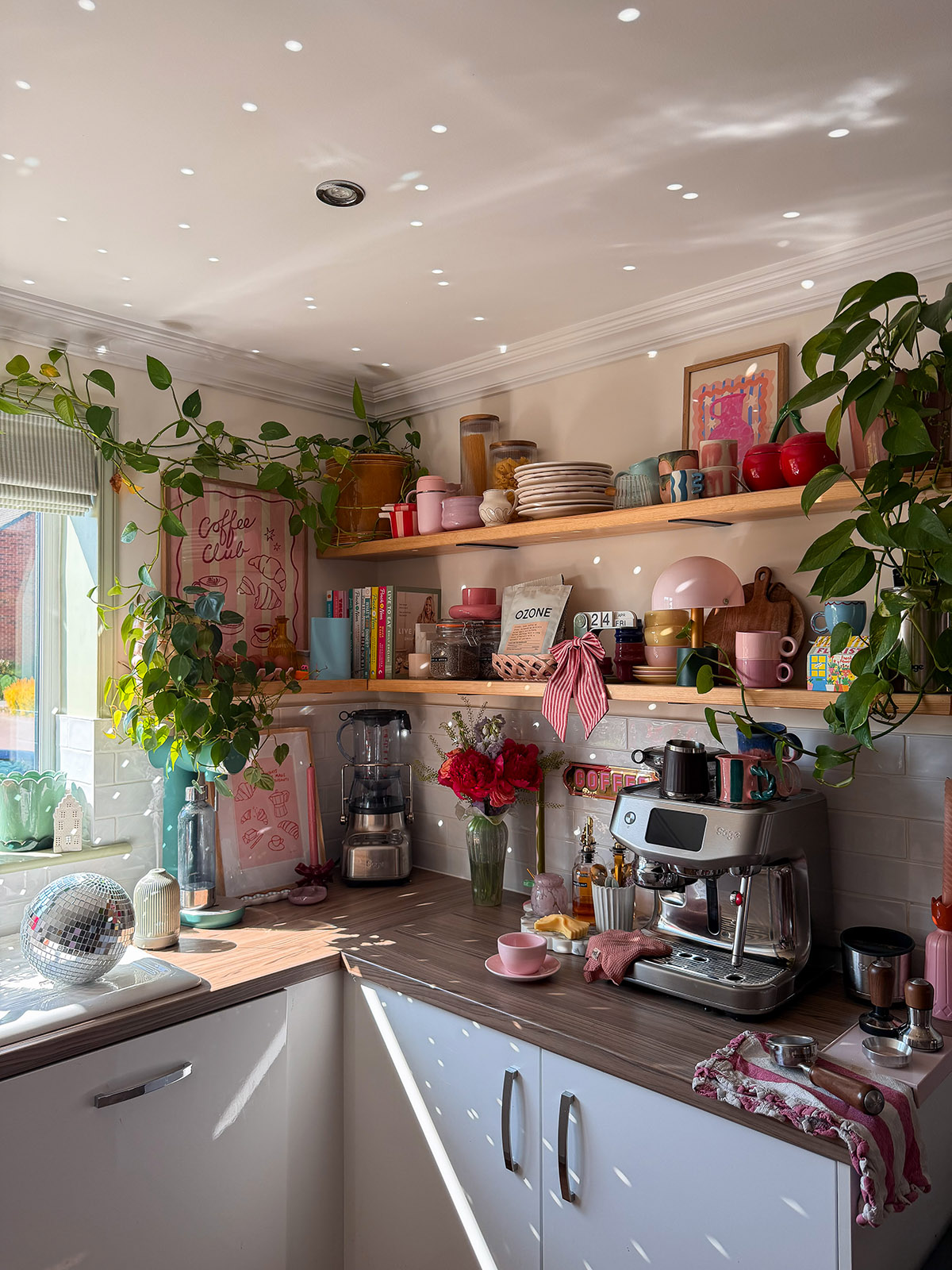
I personally don’t believe in artificial lighting when it comes to filming content, it is 100% banned from my house and I don’t own any form of studio lighting. Absolutely nothing beats natural day light when it comes to photography & videography in my eyes, and this is something I swear by for my content. I want zero harsh shadows in my videos, and I want that soft warm glow of sunlight on a sunny day. I don’t love filming on cloudy or dull days, but I normally light some candles and turn those videos into cosy ones if the sun refuses to come out.
ENABLE THE GRID IN YOUR IPHONE CAMERA SETTINGS
I have the grid on my iPhone camera turned on at all times, I think this is so important to make sure you’ve got good composition within your content. It helps keep things straight and in line, and honestly there’s nothing more cringeworthy than seeing an Instagram or TikTok video that looks like it’s been filmed whilst lying on the floor. Keeping it clean and professionally looking filmed is key!
A TRIPOD IS A MUST-HAVE
I have accumulated quite a few tripods over the years and they are absolutely essential if you want to film yourself. Not all aesthetic videos need or have to feature anyone in them, but if that’s part of your content or brand then a tripod is going to be a must-have. I’d also recommend making sure you don’t touch or knock it whilst filming as it then gives you a seamless cut when editing.
ShOOT A MIX OF VARIOUS ANGLES
I think shooting a mixture of angles is so important when filming a video, there’s nothing more boring than a camera lens that doesn’t move for 30 whole seconds or more. Mix it up with a combination of far away shots, shots from a foot away, and some close ups. Film from one side and then go to the other, show products up close. Get creative with the bits that you film, and whilst it does take a whole lot longer to film one video, it pays off with the quality of video that you produce.
SHOOT IN 4K
I film on an iPhone 17 Pro Max and my camera is set to film in 4K on 60fps, which gives you ultra high-definition resolution and makes any motion super smooth and professional. It helps to get rid of any motion blur, and makes all of the details much sharper compared to lower frame rates.
My favourite tools
TrIPODS
My holy-grail tripod is this one with a gooseneck, which is essentially a long flexible pole on the top that bends however you like. I find this so useful for getting those overhead shots as the gooseneck makes it so much easier. This is a very inexpensive tripod too and it’s the one I use every single day!
Another tripod I use is a portable tripod that folds up small enough to fit in a clutch bag (as proven on my hen-do!) which is perfect for travelling with as it can double up as a selfie stick. However, I actually find this most useful at home because it can be used as a table-top tripod which is so handy for popping on the kitchen worktop when I’m filming myself cooking or making coffee. I also like to use it on my desk if I’m filming myself whilst I’m working or at my laptop, and on 0.5 zoom it gets some really great shots.
I also have a magnetic suction phone mount in the house, that I bought after seeing how good the one in my car is. I usually have this suctioned on to my coffee machine as it’s great for getting those close up shots, or if I just want to quickly film something rather than having to put up a whole tripod. I can pretty much use this anywhere around the house too so it’s super handy!
The final tripod that I sometimes use, is the MOFT tripod which attaches straight to the back of my phone via magnet. I don’t use this for filming that much but it is useful to have a tripod on your phone at all times. I actually love this the most for easily popping my phone up when I’m watching Netflix on a lunch break – but it’s a great little tool.
OTHER ESSENTIALS
Some of the other essential tools that I use include masking tape, which I use to tape my phone to the ceiling without damaging the paint. This gets me some great shots like in this video here. I’ve also recently bought is this monitor screen that attaches to the back of your phone, so that when you’re filming you can see what’s actually in frame. These are quite expensive but so useful!
I hope this post helps if you’re trying to create your own super aesthetic Instagram videos!